

Last Update – 30-10-2026
Are you overwhelmed trying to choose the right business accounting software for your small business in the UK? With so many options available, each offering a mix of pricing, features, and compliance benefits, it can be hard to know which one best fits your unique needs. Whether you’re a sole trader, freelancer, or growing SME, using the right accounting software is no longer optional.
Under Making Tax Digital (MTD), all VAT-registered businesses must now maintain digital records and submit VAT returns using HMRC-recognised platforms.
From automating invoicing to integrating payroll and submitting taxes, modern accounting tools simplify your financial admin, saving you time and money. In this guide, we’ve reviewed the top 10 small business accounting software solutions in the UK to help you compare prices, pros, and features, so you can make an informed decision with confidence.
What is the Best Accounting Software for Sole Traders in the UK?

If you’re a sole trader in the UK, your accounting needs are typically simpler than larger businesses, but that doesn’t mean accuracy is any less important. The best accounting software for sole traders offers essential tools like invoicing, expense tracking, and HMRC-compliant VAT filing, all in an easy-to-use format.
FreshBooks, Ember, and Zoho Books stand out for their affordability, automation, and clean interfaces. FreshBooks offers a self-service client portal and great usability, while Ember automates tax insights and includes in-house accountant support. Zoho Books is ideal if you also deal with international clients due to its multi-currency support.
Look for MTD-readiness, mobile access, and a pricing plan that matches your client volume. While free plans exist, paid software typically ensures better data protection and full HMRC compliance, both crucial for staying on top of your tax obligations as a sole trader.
How Do I Choose the Right Accounting Software for My Small Business?
Choosing the right accounting software for your small business begins with assessing your operational needs and future plans. Start by identifying must-have features such as invoicing, VAT filing, payroll, or multi-currency support. If you’re a VAT-registered business, ensure the software is MTD-compliant and HMRC-recognised.
Cost is a major consideration, but don’t just opt for the cheapest option. Consider scalability, user limits, and customer support quality. For example, Sage is excellent for microbusinesses, while Xero and QuickBooks cater better to growing SMEs. If you’re looking for an all-in-one tool with banking and accounting, Tide might suit you.
Always explore trial periods and request demos. Ask vendors key questions about data backup, support response times, and foreign currency handling. Choosing wisely ensures you stay compliant, efficient, and ready to grow without the hassle of switching platforms later.
Do I Need Accounting Software for Making Tax Digital Compliance?
Yes, if you run a VAT-registered business in the UK, you must use accounting software that is MTD-compliant to stay within HMRC regulations. Making Tax Digital (MTD) requires you to keep digital records and file VAT returns through approved software. As of now, all VAT-registered businesses are affected, and from April 2026, those earning over £50,000 will be required to comply with MTD for Income Tax.
Accounting software like Xero, Sage, QuickBooks, and Zoho Books are all recognised by HMRC and offer MTD functionality. These platforms also help you automate calculations, track VAT liabilities, and reduce errors.
Even if you’re not required to comply yet, switching early helps you get used to digital bookkeeping, ensuring a smoother transition when MTD becomes mandatory for your business. It’s not just a legal move, it’s a strategic one to streamline your finances.
10 Business Accounting Software for Small Business
1. Sage Accounting – Best for Micro Businesses with Limited Stock

Sage Accounting is a cloud-based financial management platform designed for UK sole traders, microbusinesses and growing companies that need dependable bookkeeping, invoicing and tax compliance tools.
Its combination of accounting automation, payroll capabilities and HMRC-compatible reporting makes it particularly useful for businesses that want to manage daily finances without employing a dedicated finance team.
The software connects directly with supported business bank accounts, automatically imports transactions and helps users reconcile payments against invoices.
Business owners can monitor outstanding customer balances, manage supplier expenditure and prepare VAT submissions from a centralised dashboard.
One of Sage’s distinguishing features is Sage Copilot, its AI-powered productivity assistant. It can help users identify financial anomalies, draft payment reminders, monitor administrative tasks and review information before VAT submissions.
However, automated suggestions should still be checked for accuracy.
Sage offers three principal accounting packages:
- Accounting Start: Designed for smaller businesses requiring basic bookkeeping, invoicing, bank reconciliation and VAT management.
- Accounting Standard: Adds supplier management, cash-flow forecasting, quotes, receipt capture and additional users.
- Accounting Plus: Provides inventory management, financial budgets, multi-currency functionality and greater user capacity.
Importantly, Sage’s current UK packages include payroll functionality. Start and Standard include payroll for one employee, while Plus covers five employees before additional per-employee charges apply.
Businesses planning to recruit staff should also understand their responsibilities around HMRC payroll checks, including PAYE reporting, employee records and compliance procedures.
Sage Accounting Pricing and Features
| Feature | Details |
|---|---|
| Best for | Microbusinesses, sole traders and small companies |
| Standard monthly pricing | Start £20, Standard £43, Plus £59 |
| Introductory offer | 90% discount for six months, subject to terms |
| Free trial | One-month trial alternative available |
| User access | Start: 1; Standard: 3; Plus: unlimited |
| Payroll | Included for 1 employee on Start/Standard; 5 on Plus |
| Inventory management | Available on Plus |
| Multi-currency accounting | Available on Plus |
| VAT compliance | MTD-compatible VAT preparation and filing |
| AI features | Sage Copilot, automated reminders and financial insights |
| Mobile access | iOS and Android applications |
Regular prices exclude VAT. Additional payroll and document-processing charges may apply.
Sage’s strongest advantage is its combination of traditional accounting functionality and newer automation tools.
A small retailer, for example, can begin with basic transaction recording and later upgrade to Plus when stock management becomes essential.
However, businesses should calculate the full subscription cost once introductory discounts expire. Some advanced capabilities, particularly inventory, multi-currency transactions and receipt capture, require higher-tier packages.
Our assessment: Sage Accounting is particularly suitable for small UK businesses prioritising financial control, payroll administration and tax compliance.
Its tiered structure allows businesses to expand their accounting capabilities without immediately migrating to another system.
Official website: Sage Accounting
2. Xero – Best for Growing SMEs with Multiple Users
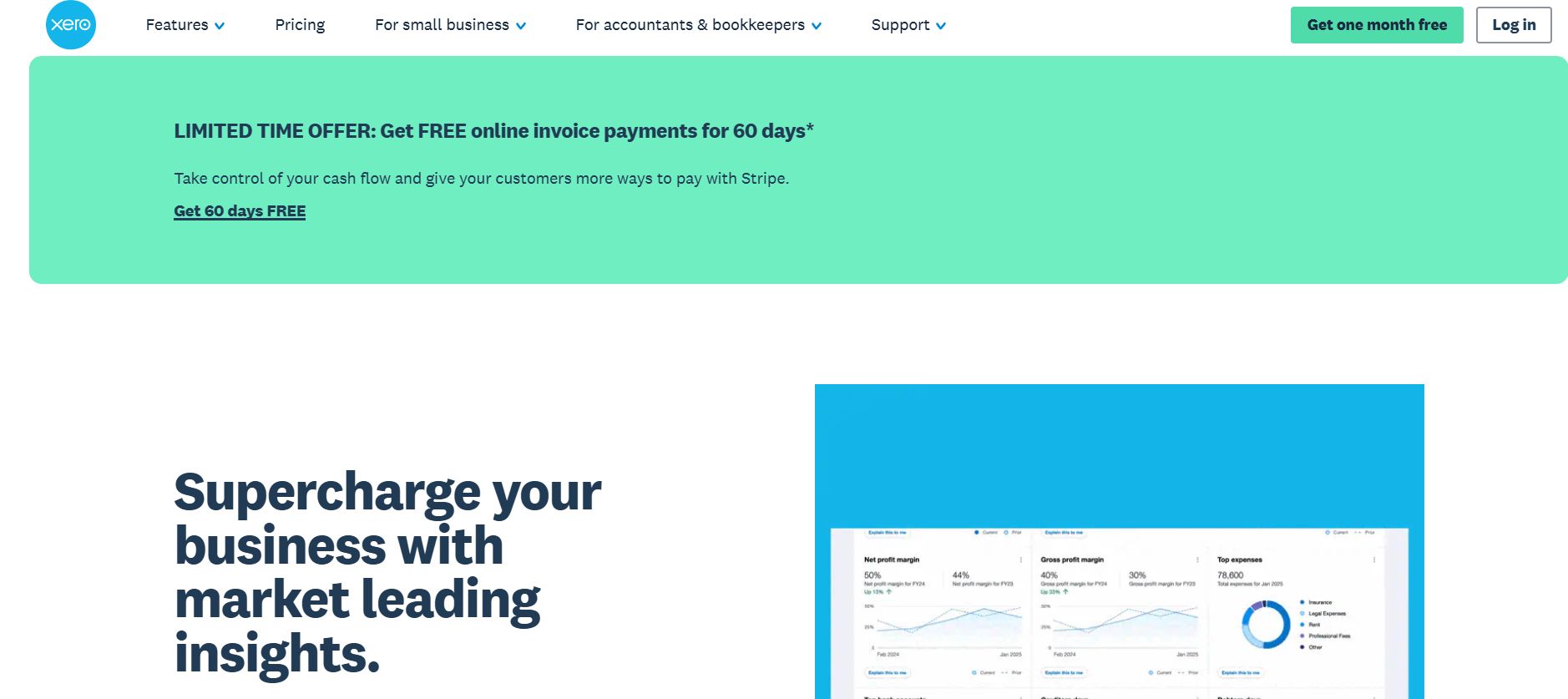
Xero is a cloud accounting solution designed for UK businesses that require financial reporting, collaborative bookkeeping and integrations with other operational software.
Its greatest strength is the ability to connect accounting information with a wider business technology ecosystem.
Through the Xero App Store, businesses can integrate tools covering e-commerce, payment processing, inventory management, customer management and specialised reporting.
This makes Xero particularly attractive to businesses that expect increasing transaction volumes or need several people, including an external accountant, to access financial records.
Xero provides automated bank reconciliation, invoice management, supplier bill tracking, financial reporting and VAT submissions.
It also includes document capture through Hubdoc and cash-flow forecasting capabilities on applicable plans.
For companies looking beyond basic bookkeeping, Xero offers reporting and analytics that help identify overdue invoices, monitor expenditure and evaluate business performance.
These capabilities become increasingly important as founders move towards more structured cash-flow forecasting and profitability management.
Xero’s UK pricing structure includes Simple, Ignite, Grow, Comprehensive and Ultimate packages.
Xero Accounting Pricing and Features
| Feature | Details |
|---|---|
| Best for | Growing SMEs and businesses with collaborative accounting needs |
| Simple plan | £7/month for eligible non-VAT businesses |
| Ignite | £18/month |
| Grow | £39/month |
| Comprehensive | £55/month |
| Ultimate | £70/month |
| Bank reconciliation | Available across relevant plans |
| Invoice limits | Ignite: 20 invoices; higher plans offer greater capacity |
| Supplier bills | Ignite: 10 bills; expanded on higher tiers |
| Payroll | Available according to plan, with additional employee charges |
| Multi-currency | Available on Comprehensive and Ultimate |
| Integrations | More than 1,000 third-party applications |
| Tax compliance | MTD for VAT and MTD for Income Tax support |
Standard UK prices exclude VAT and any temporary discounts.
The September 2026 pricing update increased Ignite, Grow, Comprehensive and Ultimate subscription costs.
Businesses comparing providers should therefore use the updated prices rather than older promotional figures.
Xero’s entry-level Ignite package has meaningful transaction restrictions. Companies regularly issuing more than 20 invoices or processing more than 10 supplier bills should consider Grow or higher.
Its payroll pricing also depends on the subscription level. Grow includes payroll for one person, while additional employee costs apply according to the relevant package.
Our assessment: Xero provides considerable long-term flexibility for businesses expanding their workforce, selling through multiple channels or working with external accountants.
Its extensive integration ecosystem is a competitive advantage, although businesses relying on numerous paid add-ons may face significantly higher total monthly costs than the headline subscription suggests.
Official website: Xero UK
3. Tide – Best for Integrated Banking and Accounting
Tide combines business banking services with bookkeeping and tax management functionality, making it an attractive option for UK sole traders and limited companies that prefer operating through a single financial platform.
Unlike standalone accounting solutions that require separate bank connections, Tide’s accounting tools work closely with its business account services. This can reduce repetitive transaction entry and simplify daily financial administration.
The platform provides automatic transaction categorisation, receipt capture, invoice creation, tax estimation and business performance insights.
Users can review income, expenses and outstanding payments without repeatedly switching between banking and bookkeeping applications.
Tide also offers HMRC-recognised Making Tax Digital functionality, although the available submission types depend on the subscription and business circumstances.
For sole traders, free accounting tools can support essential bookkeeping and tax preparation. More advanced packages unlock additional reporting, VAT filing and workflow automation.
A notable feature is Tide’s Tax Saver functionality, which helps businesses set aside money for future tax liabilities. This can be useful for self-employed individuals whose income varies considerably between months.
Tide also provides financial dashboards showing cash flow, profitability and spending categories, giving business owners an overview of operational performance.
Tide Accounting Pricing and Features
| Feature | Details |
|---|---|
| Best for | Sole traders and businesses wanting integrated banking and accounting |
| Free accounting option | £0 for eligible sole traders |
| Invoice Assistant | £5.99/month + VAT |
| Accounting add-on | From £13.99/month for sole traders |
| Limited company accounting | From £19.99/month |
| Admin Extra bundle | £17.99 for sole traders; £24.99 for limited companies |
| Bank integration | Direct connection with Tide business accounts |
| Receipt management | Digital receipt capture and transaction categorisation |
| VAT filing | Available on eligible paid accounting packages |
| Self Assessment | Supported for eligible sole traders |
| Financial reporting | Enhanced cash-flow and profit insights on paid plans |
| Mobile access | Tide mobile application |
Accounting package prices are separate from Tide’s banking subscription structure. Additional fees and eligibility conditions may apply.
A crucial consideration is that Tide’s accounting features and banking packages are not identical products.
Customers should compare the precise tools included with their chosen account and any accounting add-ons.
Tide also states that its Self Assessment functionality is subject to eligibility restrictions, including exclusions for certain Construction Industry Scheme users.
Its VAT filing tool does not support every VAT scheme, including the Flat Rate Scheme.
Consequently, a business with complex tax requirements should confirm compatibility before depending entirely on Tide for reporting.
Our assessment: Tide is especially appealing to newly established businesses wanting simplified banking, bookkeeping and tax preparation.
It may reduce administrative work for straightforward operations, but businesses needing complex stock management, multi-entity reporting or specialist accounting should compare its functionality with dedicated platforms.
Official website: Tide Accounting
4. Moss – Best for Flexible Pricing and Expense Management
Moss is a financial operations and expense management platform designed to help growing businesses control company expenditure, automate accounts payable and streamline approvals.
Unlike Sage, Xero or QuickBooks, Moss is primarily focused on managing business spending rather than replacing every component of a traditional accounting system.
Its platform centralises corporate card transactions, employee reimbursements, supplier invoices and spending approvals.
This makes it particularly useful for companies managing multiple departments, employees or purchasing workflows.
Moss provides physical and virtual corporate cards with configurable spending controls.
Finance managers can establish transaction limits, monitor expenditure and define approval rules according to departments, roles or budgets.
Its AI-assisted document processing can extract invoice and receipt information, reducing manual entry. Transactions can then be categorised and prepared for export to an accounting platform.
Moss integrates with systems including Xero, QuickBooks Online, Oracle NetSuite and Microsoft Dynamics 365 Business Central.
These integrations allow businesses to maintain their existing accounting arrangements while improving spending controls.
For organisations facing increasing administrative costs, introducing automated approval workflows can support broader efforts to remain competitive through operational efficiency.
Moss Pricing and Features
| Feature | Details |
|---|---|
| Best for | Growing companies and finance teams managing employee spending |
| Free plan | Available for selected cards or accounts payable functionality |
| Free-plan users | Up to 3 |
| Free invoice allowance | Up to 20 invoices per month |
| Paid pricing | Custom quotation based on modules and transaction volume |
| Corporate cards | Physical and virtual cards |
| Employee expenses | Reimbursement submission and approval workflows |
| Invoice processing | AI-assisted document capture and categorisation |
| Budget controls | Advanced rules and spending limits on paid plans |
| Accounting integrations | Xero, QuickBooks, NetSuite and other platforms |
| Procurement tools | Available through additional modules |
| VAT submissions | Not a general replacement for dedicated MTD VAT software |
Moss offers modular pricing, allowing companies to select functionality according to operational requirements.
Paid subscriptions generally include a platform charge and a variable element linked to transaction volume. This differs from accounting tools that charge a predictable fixed monthly subscription.
The free offering includes restrictions, such as limited user and invoice capacity. More advanced approval processes, accounting integrations and finance controls require paid functionality.
From a financial management perspective, Moss can provide considerable value when a company experiences difficulties controlling departmental budgets or reconciling employee expenses.
However, purchasing Moss solely for basic invoicing and VAT filing would generally be less appropriate than selecting a dedicated small-business accounting system.
Our assessment: Moss is better suited to businesses with growing transaction volumes, multiple spending stakeholders and established accounting software.
Its greatest benefit is reducing administrative friction in expense management rather than serving as a complete standalone bookkeeping solution.
Official website: Moss
5. Zoho Books – Best for International Businesses
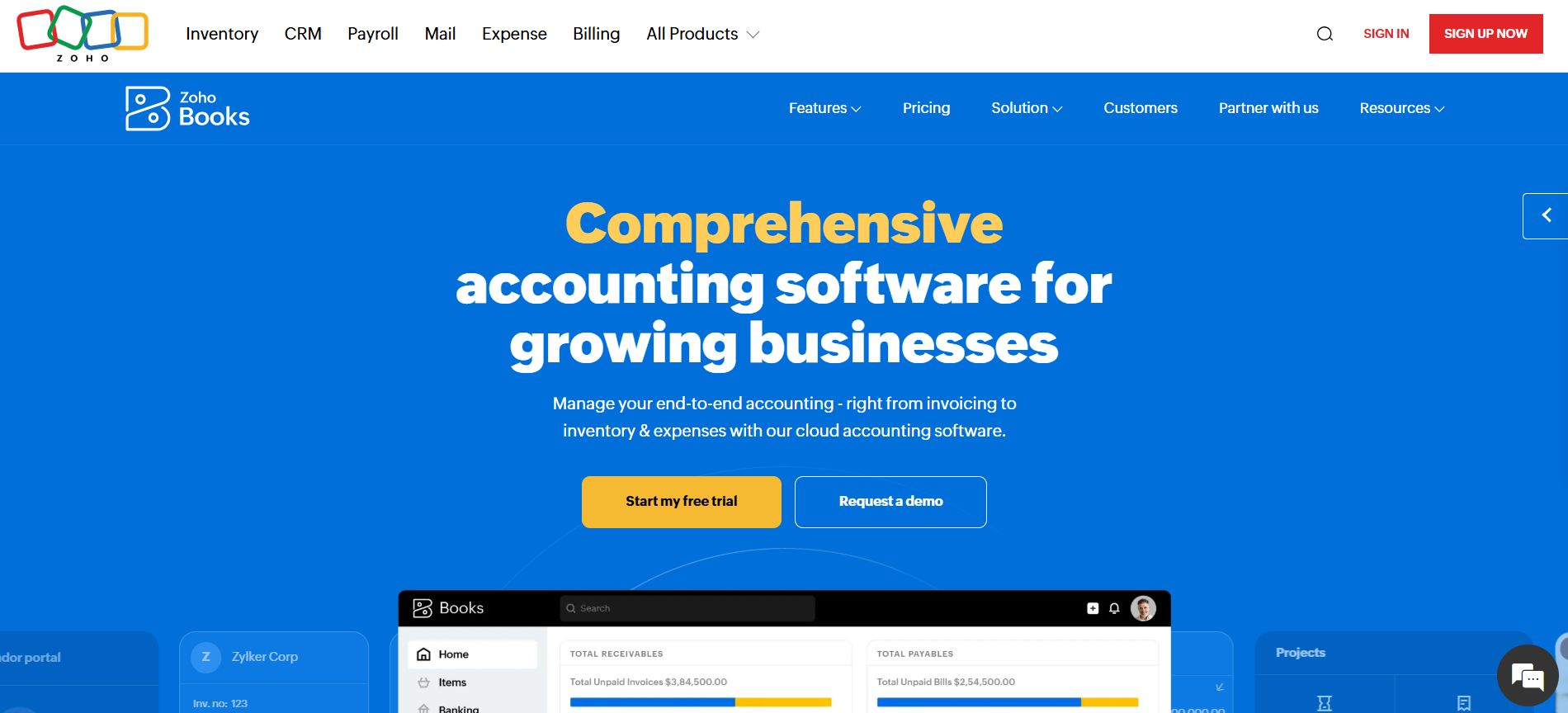
Zoho Books is an online accounting platform offering invoicing, expense tracking, inventory management, financial reporting and tax compliance tools.
Its competitive advantage is the combination of affordable entry-level pricing, automation capabilities and support for more sophisticated international business transactions on higher-tier subscriptions.
Businesses can create professional invoices, manage supplier bills, track expenses, reconcile bank transactions and produce financial reports.
The software also integrates with other Zoho products, including Zoho CRM, helping organisations connect customer management with financial administration.
For international companies, Zoho Books Professional introduces multi-currency transaction management, sales and purchase orders, inventory tracking and additional workflow controls.
Higher packages offer fixed asset management, budget preparation, cash-flow forecasting, warehouse management and advanced analytics.
Zoho Books is also HMRC-recognised for relevant Making Tax Digital functionality, supporting digital VAT records and submissions.
Another valuable capability is the customer portal, where clients can access financial documents and payment information.
This can reduce administrative communication for agencies, consultancies and other service-based businesses.
Zoho Books Pricing and Features
| Feature | Details |
|---|---|
| Best for | International businesses, startups and growing SMEs |
| Free plan | £0/month |
| Standard | £12/month or £10/month billed annually |
| Professional | £24/month or £20/month billed annually |
| Premium | £30/month or £25/month billed annually |
| Elite | £99/month or £85/month billed annually |
| Ultimate | £199/month or £165/month billed annually |
| Included users | Free: 1 + accountant; Standard: 3; Professional: 5 |
| Multi-currency | Professional and above |
| Inventory management | Professional and above |
| Advanced warehouse management | Elite and Ultimate |
| Advanced analytics | Ultimate |
| MTD VAT filing | Supported |
| Free-plan invoice limit | 1,000 invoices annually |
All prices exclude applicable taxes. Annual billing prices are shown as monthly equivalents.
Zoho’s free package provides a comparatively broad range of bookkeeping features, including invoicing, expense recording, bank reconciliation and VAT-related functionality.
However, businesses must consider transaction limits. The free plan allows up to 1,000 invoices and 1,000 expenses annually, while paid plans provide progressively higher allowances.
The Professional package is particularly relevant for firms trading internationally because it introduces multi-currency accounting and inventory management without requiring the most expensive subscription.
Premium adds budgeting, fixed asset management and cash-flow forecasting, while Elite introduces more sophisticated inventory and warehouse functionality.
Ultimate is aimed at organisations requiring deeper analytics and greater reporting flexibility.
Our assessment: Zoho Books offers a compelling balance between price and functionality.
It is particularly suitable for businesses that want to begin with inexpensive accounting tools and introduce international transactions, inventory management and advanced reporting as operations expand.
Businesses should nevertheless check whether the subscription tier supports their required currencies, bank connections and transaction volumes.
Official website: Zoho Books UK
6. FreshBooks – Best for Sole Traders
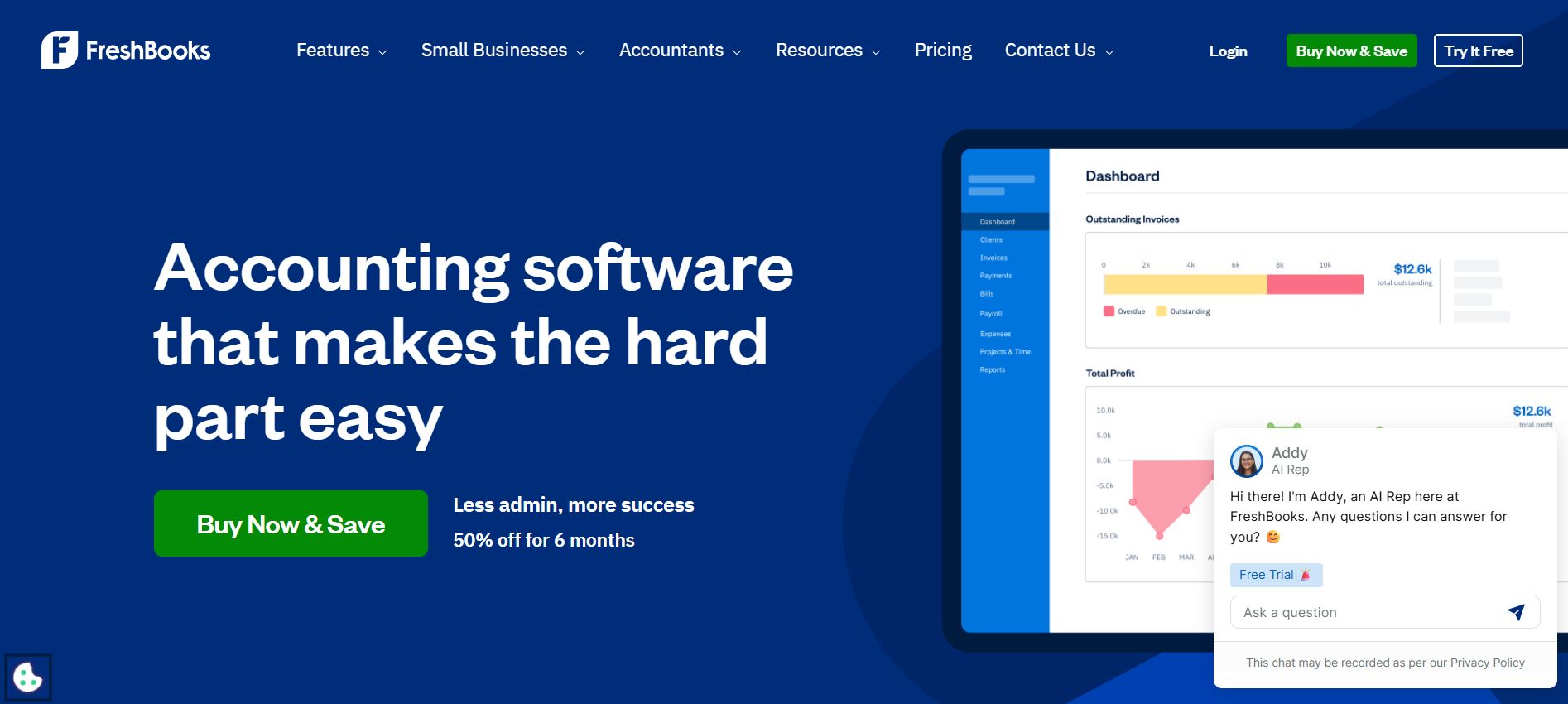
FreshBooks is an online accounting and invoicing platform particularly suitable for freelancers, consultants, contractors and sole traders who invoice clients for their time or services.
Its strongest features revolve around invoicing, expense management, time tracking and client communication rather than complex enterprise financial administration.
Users can produce customised invoices, track payment statuses, send reminders and manage recurring billing.
The software also allows businesses to record expenses and assign billable time to individual clients or projects.
For professional service providers, these capabilities can simplify the process of converting completed work into accurate invoices.
FreshBooks includes a client portal, allowing customers to view invoices, access relevant account information and manage payment details.
Its project and time management capabilities are particularly useful for agencies, designers, developers and consultants working with several clients simultaneously.
FreshBooks also provides Making Tax Digital VAT functionality for UK businesses, including support for commonly used VAT accounting methods such as Cash Accounting, Accrual Accounting and the Flat Rate Scheme.
However, businesses should distinguish its MTD VAT support from MTD for Income Tax and verify whether the latter is supported for their circumstances.
FreshBooks Pricing and Features
| Feature | Details |
|---|---|
| Best for | Freelancers, sole traders and service-based businesses |
| Lite | £16/month |
| Plus | £30/month |
| Premium | £42/month |
| Select | Custom pricing |
| Billable client limits | Lite: 5; Plus: 50; Premium: unlimited |
| Free trial | 30 days |
| Invoicing | Custom invoices and payment reminders |
| Time tracking | Available |
| Expense tracking | Receipt and expense management |
| Client portal | Available |
| MTD VAT | Supported through FreshBooks VAT software |
| Mobile app | iOS and Android |
| Additional team members | Additional charges may apply |
Prices reflect FreshBooks’ published 2026 GBP pricing update, before temporary promotional discounts.
FreshBooks uses client-based subscription limits. This is an important consideration for freelancers who work with numerous smaller customers.
A consultant invoicing three regular clients may find Lite sufficient. However, a designer issuing invoices to 70 customers annually will likely need Premium rather than relying on the cheaper plans.
FreshBooks also distinguishes between active, archived and deleted client records when calculating plan allowances. Business owners should understand these conditions before selecting a subscription.
Its mobile application is useful for recording expenses and working hours immediately after client meetings or business trips.
Our assessment: FreshBooks remains an attractive option for self-employed professionals whose main financial activities involve invoicing clients, tracking expenses and monitoring billable work.
Businesses managing extensive stock, complex payroll or sophisticated departmental reporting may need a platform with broader accounting capabilities.
Official website: FreshBooks UK
7. Crunch – Best for Ease of Use
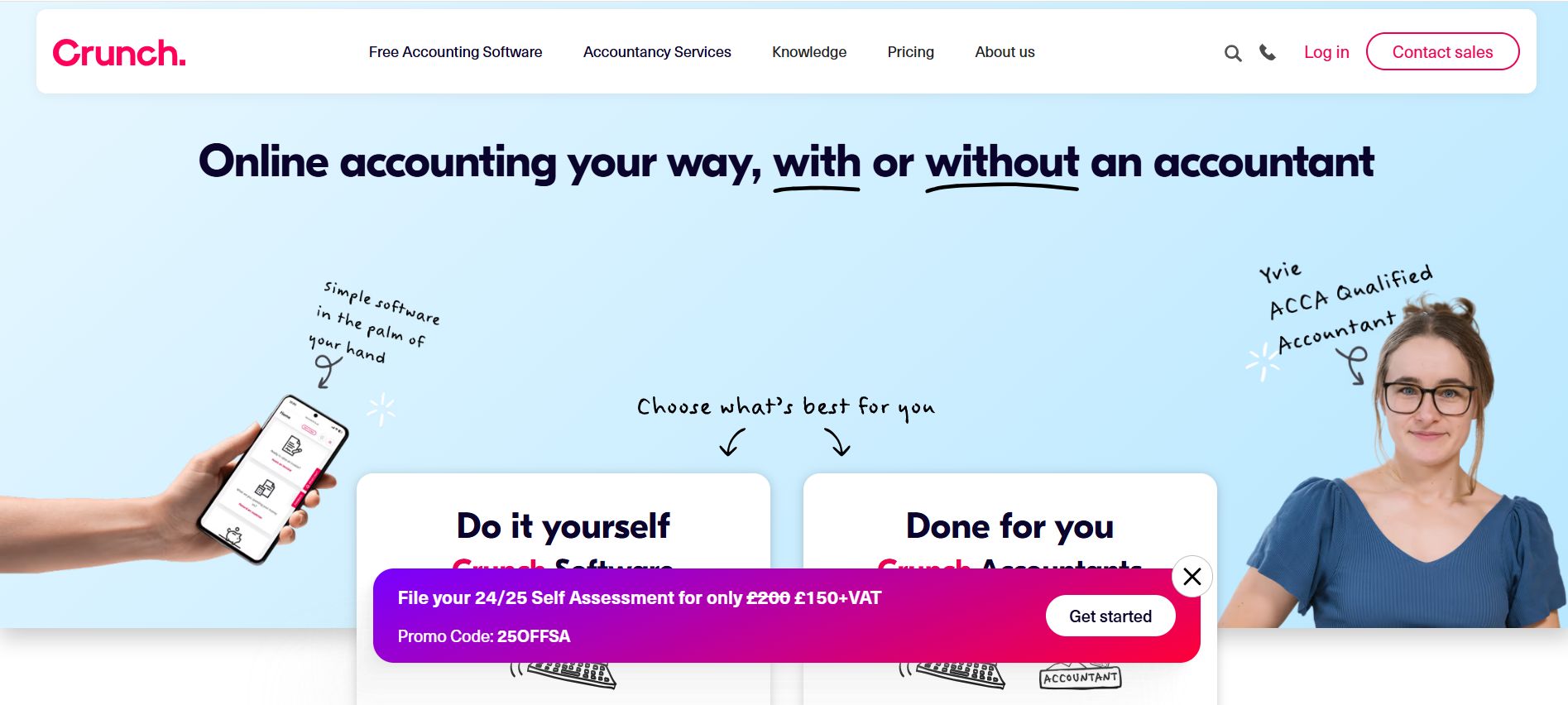
Crunch is a UK-focused accounting platform combining bookkeeping software with optional professional accountancy services.
Its business model is particularly useful for sole traders, freelancers and limited company directors who want digital accounting tools while retaining the option to obtain specialist tax assistance.
Unlike providers that primarily sell software subscriptions, Crunch also offers managed accounting services through qualified accountants.
Its software allows businesses to create invoices, track expenses, reconcile bank transactions and maintain financial records.
Crunch’s more advanced packages introduce automation, improved bank connectivity and Making Tax Digital for Income Tax functionality.
The company has also introduced Luca, an AI-powered assistant designed to simplify bookkeeping administration. Its transaction-matching tools can help users review and reconcile entries more efficiently.
One significant advantage is that Crunch offers a free software package, giving business owners an inexpensive starting point before moving to more advanced features.
However, users should distinguish between purchasing Crunch software and paying for a managed accountancy package.
The presence of accounting professionals within the wider business does not mean that every subscription includes comprehensive personal accounting services.
Crunch Pricing and Features
| Feature | Details |
|---|---|
| Best for | Sole traders, freelancers and small limited companies |
| Crunch Free | £0/month |
| Crunch Lite | £4/month |
| Crunch Plus | £10/month + VAT |
| Managed sole trader accounting | Separately priced according to service requirements |
| Managed limited company accounting | From around £94/month before introductory offers |
| Unlimited invoicing | Available |
| Bank reconciliation | Available, with enhanced automation on higher tiers |
| MTD VAT | Supported |
| MTD Income Tax | Available through eligible plans |
| AI automation | Luca-powered features on Crunch Plus |
| Professional accountant | Available separately or through managed packages |
| Software cancellation | Flexible subscriptions |
Crunch Free provides essential accounting functionality but includes advertisements. Lite offers a cleaner, advertisement-free experience for businesses that prefer straightforward bookkeeping.
Crunch Plus adds greater automation, including AI-assisted transaction matching and functionality designed around MTD for Income Tax requirements.
For businesses needing more than software, Crunch’s managed accounting packages may provide additional support with statutory obligations, annual accounts and tax reporting.
The full cost depends on business structure, turnover, transaction volumes and the professional services required.
A limited company director requiring annual accounts and Corporation Tax assistance should therefore compare managed accounting packages rather than assuming Crunch Plus includes these services.
Our assessment: Crunch is particularly appropriate for business owners who value simple accounting software and the option to obtain human advice when required.
Its flexible software pricing is attractive to newer businesses, while its professional accountancy offering provides an alternative to employing a separate traditional accounting firm.
Official website: Crunch Pricing
8. Ember – Best for All-in-One Accounting
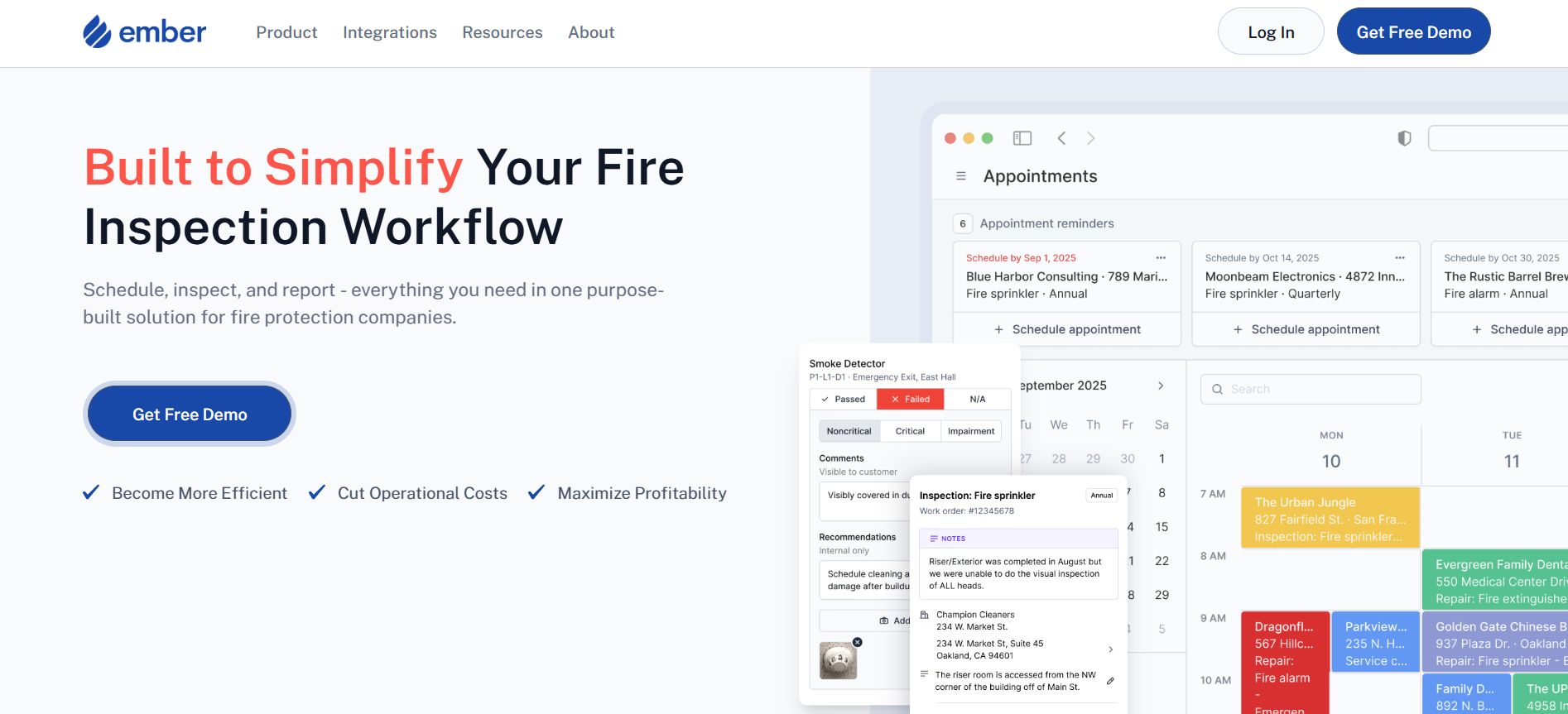
Ember was established as a UK accounting and tax management platform designed to simplify bookkeeping for sole traders and limited company owners.
Its original proposition combined automated transaction categorisation, invoicing, bank connections, financial reporting and tax preparation within one application.
However, Ember’s business model has changed significantly following its acquisition by Starling Bank in August 2025.
Starling subsequently integrated Ember’s accounting technology into its business banking services, creating a new offering called Starling Accounting.
This is an important distinction for businesses comparing current products.
Ember should no longer be described solely through its historical independent subscription packages or previous accountant-support arrangements.
The current Starling Accounting platform provides integrated banking, bookkeeping and tax management tools for eligible business customers.
Users can categorise transactions, maintain digital records, create invoices, review financial reports and monitor tax estimates.
For sole traders subject to Making Tax Digital for Income Tax, the platform supports relevant quarterly reporting functionality.
The software also provides accounting information for limited companies, including profit-and-loss reporting, balance sheets and estimated Corporation Tax liabilities.
Ember / Starling Accounting Pricing and Features
| Feature | Details |
|---|---|
| Best for | Starling business customers wanting integrated accounting |
| Original platform | Ember accounting and tax software |
| Current integration | Starling Accounting |
| Acquisition | August 2025 |
| Accounting Essentials | Free |
| Accounting Plus | £7/month until April 2027 |
| Standard Plus price thereafter | £14/month |
| Bank integration | Built into Starling business banking |
| Transaction categorisation | Automated bookkeeping |
| Financial reporting | Profit and loss; balance sheets for limited companies |
| MTD Income Tax | Supported for eligible users |
| MTD VAT filing | Available through Accounting Plus |
| Accountant access | View-only access supported |
| Payroll | Confirm separate availability and requirements |
The free Accounting Essentials plan can help eligible sole traders and small businesses manage basic financial administration without an additional software subscription.
Accounting Plus introduces VAT calculation and direct HMRC filing capabilities.
Because the service operates within Starling’s banking environment, businesses should confirm account eligibility and feature availability before choosing it as their primary financial system.
The integrated approach may reduce the need for third-party bookkeeping software for businesses with relatively straightforward operations.
However, companies requiring advanced inventory management, sophisticated payroll, multi-company consolidation or dedicated professional accountancy services may still need additional tools or external specialists.
Our assessment: Ember’s integration into Starling represents a significant evolution from a standalone accounting product to bank-connected financial management.
For eligible Starling customers, the current offering provides a potentially economical way to combine business banking, bookkeeping and tax administration.
Its suitability should be assessed using Starling’s current product features rather than Ember’s historical subscription benefits.
Official website: Starling Accounting
9. QuickBooks – Best for Fast-Growing Businesses
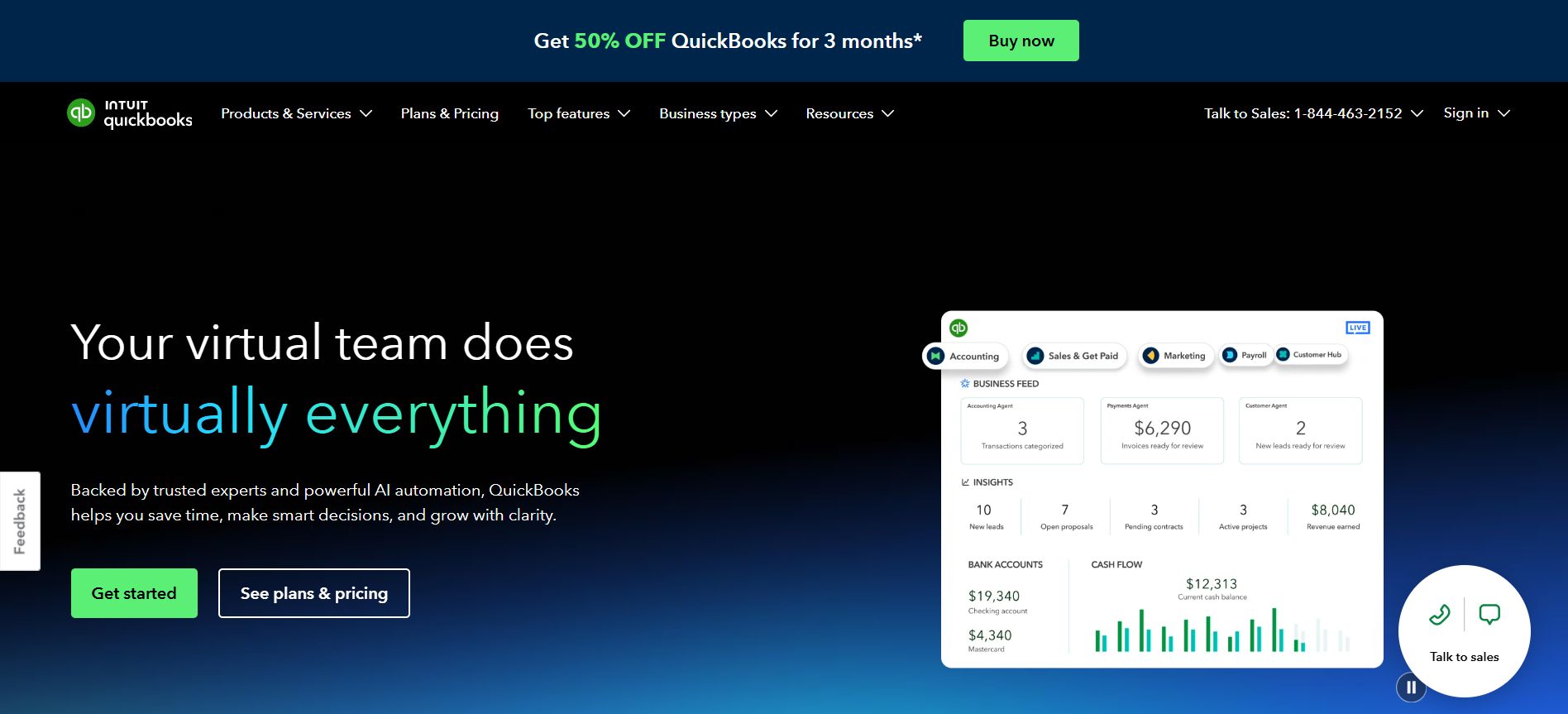
QuickBooks Online is a cloud accounting solution developed by Intuit for sole traders, small businesses and expanding companies requiring financial automation and management reporting.
Its wide range of features makes it particularly suitable for businesses moving beyond basic bookkeeping towards more structured financial management.
QuickBooks allows users to create invoices, track expenses, reconcile bank accounts, manage supplier payments and prepare financial statements.
It also provides tools for monitoring business performance, identifying financial discrepancies and supporting tax compliance.
The platform’s Intuit Intelligence capabilities introduce AI-assisted transaction categorisation, financial insights and automated bookkeeping workflows. Some advanced AI capabilities are still being introduced or operate with usage restrictions.
QuickBooks also supports Making Tax Digital requirements, including VAT submissions through compatible subscriptions.
For businesses managing employees, payroll is available through an additional paid service.
Companies expanding their operations can upgrade to plans offering multiple users, inventory management, project profitability reporting, budgeting and more sophisticated financial controls.
The Advanced package also includes custom reporting, role-based permissions, workflow automation and backup functionality.
QuickBooks Pricing and Features
| Feature | Details |
|---|---|
| Best for | Growing SMEs requiring detailed reporting and automation |
| Sole Trader Plus | £10/month |
| Simple Start | £16/month |
| Essentials | £38/month |
| Plus | £56/month |
| Advanced | £123/month |
| User capacity | Simple Start: 1; Essentials: 3; Plus: 5; Advanced: 25 |
| Inventory management | Available on Plus and Advanced |
| Multi-currency | Essentials and higher |
| Project profitability | Plus and Advanced |
| Custom reporting | Advanced |
| AI functionality | Intuit Intelligence features, subject to availability |
| Payroll | Paid add-on |
| MTD VAT | Supported on eligible plans |
Standard UK prices exclude VAT. Promotional rates may significantly reduce the initial subscription cost.
QuickBooks’ pricing structure allows business owners to begin with essential bookkeeping and introduce more sophisticated features as financial administration becomes increasingly demanding.
However, the differences between packages are substantial.
For example, Essentials supports three users and multi-currency transactions, while Plus adds inventory management, project profitability reporting and budgeting.
Advanced is aimed at businesses requiring greater financial oversight and allows up to 25 users.
These distinctions are particularly important when choosing software for a company expecting rapid employee growth or more complex financial operations.
Although QuickBooks provides customer records, invoicing and additional customer-related tools, businesses should not automatically treat it as a complete replacement for dedicated CRM software.
Our assessment: QuickBooks offers a strong combination of financial reporting, automation and scalability.
Its higher-tier packages are particularly valuable to businesses requiring inventory oversight, project-level reporting or multiple accounting users.
However, payroll, payment processing and other supplementary services can increase the overall cost.
Official website: QuickBooks UK
10. ClearBooks – Best UK-Focused Accounting Software
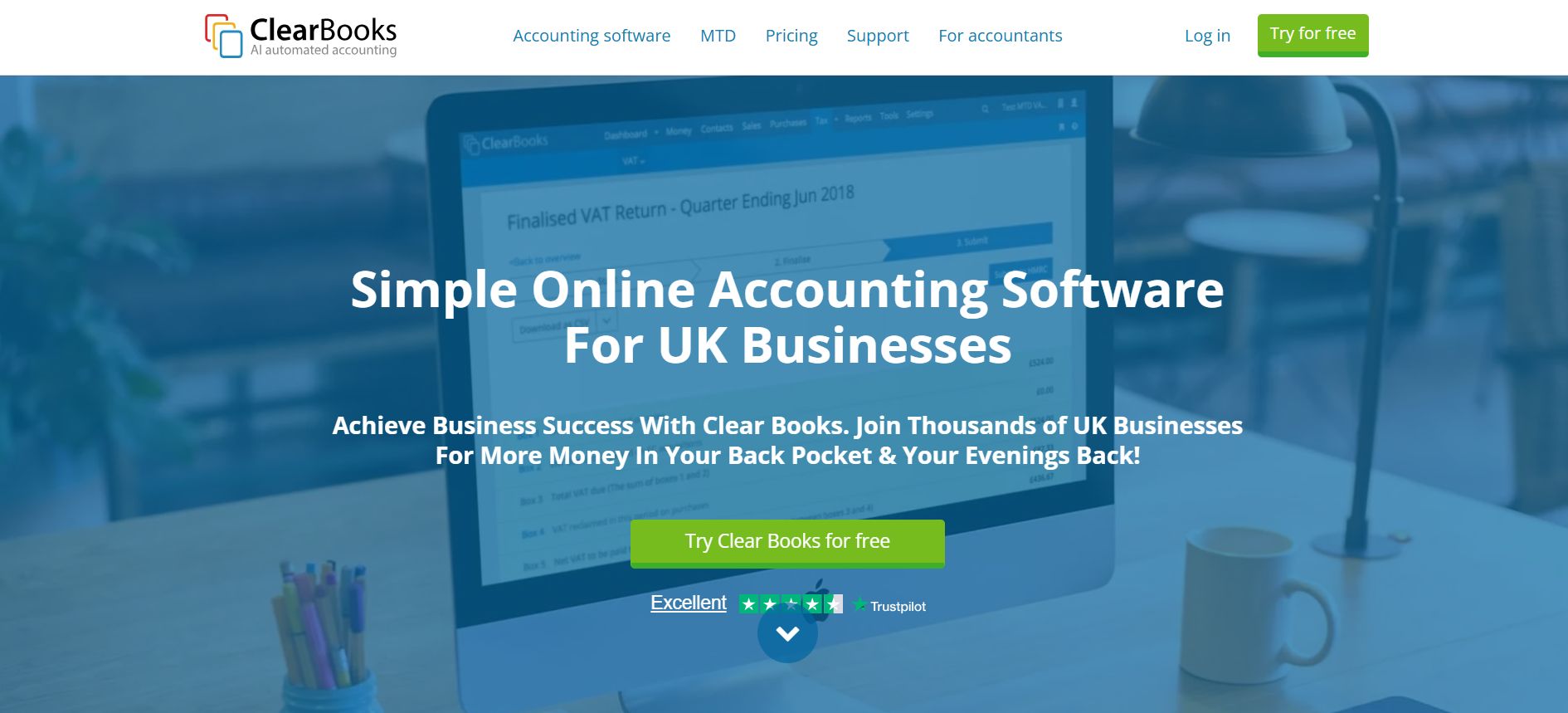
Clear Books is a UK-developed accounting platform designed specifically around the bookkeeping, tax and financial reporting requirements of British businesses.
Established in 2008, it focuses on delivering straightforward accounting functionality to sole traders, limited companies, partnerships and other smaller organisations.
Its UK orientation is especially relevant to businesses dealing with HMRC submissions, VAT reporting and domestic payroll obligations.
Clear Books provides invoicing, bank reconciliation, expense management, financial reporting and accounting tools that allow business owners to maintain organised financial records.
The platform offers MTD-compatible functionality, including dedicated options for sole traders and landlords preparing for digital Income Tax reporting.
Businesses can also choose subscriptions with additional features such as purchase orders, Construction Industry Scheme reporting, budgeting, multi-currency transactions and project accounting.
A particularly useful feature is the availability of free MTD-focused bookkeeping packages for eligible sole traders and landlords.
Paid subscriptions expand these capabilities through automated bank feeds, receipt scanning, broader reporting and additional support.
Clear Books also offers payroll software separately, supporting PAYE calculations, payslips and real-time reporting to HMRC.
ClearBooks Pricing and Features
| Feature | Details |
|---|---|
| Best for | UK sole traders, limited companies and small employers |
| Sole Trader Free | £0/month |
| Sole Trader | £5/month |
| Sole Trader Plus | £15/month |
| Small business plan | £16/month |
| Medium business plan | £34/month |
| Large business plan | £44/month |
| MTD Income Tax | Supported through eligible plans |
| MTD VAT | Supported on relevant VAT-enabled plans |
| Bank reconciliation | Available |
| CIS submissions | Medium and Large |
| Project accounting | Large |
| Multi-currency | Large |
| Payroll | Separate subscription from £2.70 per employee/month |
| Free trial | 30 days |
Prices exclude VAT and reflect standard monthly billing. Clear Books also offers discounted longer billing periods.
Clear Books differentiates its packages according to business structure and accounting requirements.
The free sole trader package supports basic income and expense recording, while the £5 plan adds capabilities including receipt scanning, automated bank transaction recording and invoicing.
VAT-registered sole traders can use Sole Trader Plus, which provides relevant VAT filing features.
Limited companies requiring more conventional accounting tools can consider the Small package, while Medium adds VAT and CIS functionality.
Large provides additional capabilities for project accounting, multi-currency transactions and fixed assets.
Its payroll product is priced separately, with a minimum subscription covering two employees.
This cost should be included when comparing Clear Books with providers offering payroll as part of an accounting subscription.
Our assessment: Clear Books is a suitable choice for businesses that prioritise UK tax requirements, transparent subscription structures and straightforward financial management.
Its free and lower-cost packages may be particularly attractive to sole traders, while the higher-tier offerings provide additional functionality for growing organisations.
However, businesses requiring extensive third-party integrations or sophisticated enterprise reporting should compare its capabilities with larger accounting platforms before committing.
Official website: Clear Books Pricing
Conclusion
Choosing the right accounting software for your small business is vital, not just for convenience, but for legal compliance under the UK’s Making Tax Digital initiative. Each tool we’ve reviewed offers MTD support and a range of features designed for different business needs, whether you’re a freelancer needing simple invoicing or a growing SME managing payroll and expenses.
It’s important to consider what features matter most—VAT filing, multi-user access, integrations, or international support. While cost is always a factor, investing in a reliable, HMRC-compliant solution ensures peace of mind and prevents costly mistakes.
No matter your size or structure, switching to digital accounting now will set your business up for success as new tax regulations roll out. Choose the package that best fits your current needs, with room to grow as your business evolves.
FAQs
What is MTD-compliant accounting software?
MTD-compliant software is approved by HMRC to digitally record and submit VAT returns as required by the Making Tax Digital initiative. It helps small businesses maintain accurate financial records and avoid penalties.
Can I use accounting software if I’m not VAT-registered?
Yes, many accounting software platforms are suitable for non-VAT registered businesses. They still help with invoicing, expense tracking, and preparing for potential VAT registration in the future.
Is free accounting software good enough for a small business?
Free accounting tools may cover basic needs, but often lack features like VAT filing, payroll, or customer support. Paid plans provide more comprehensive services and data security.
How secure is online accounting software?
Most modern accounting software uses bank-level encryption and regular data backups. Always choose a provider with a clear data protection policy and compliance credentials.
Do I need separate payroll software?
Some accounting software like Xero and QuickBooks include payroll as part of higher-tier plans. Others may offer it as an add-on or require integration with a separate payroll system.
How many users can access small business accounting software?
User limits vary by provider and pricing tier some, like Xero, offer unlimited users. Always check the user permissions and collaboration tools included in your plan.
Can I switch accounting software easily later?
Yes, most platforms allow data export and import, making transitions manageable. However, switching may require manual checks to ensure data accuracy and MTD compliance continuity.

Leave a Reply